pbootcms二次开发插件教程:怎么简单实现tags标签随机排序
本文将向您介绍如何在pbootCMS中简单实现Tags标签的随机排序。通过简单对pbootcms简单的二次开发,详细介绍随机排序Tags标签具体实现方法。
前言:
在互联网内容管理系统中,对标签进行随机排序是一个非常常见的需求。pbootCMS是一款基于PHP语言的内容管理系统,它提供了丰富的插件接口,方便开发者进行二次开发。本文将向您介绍如何在pbootCMS中简单实现Tags标签的随机排序。
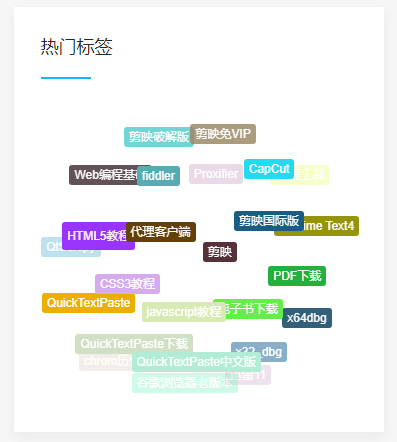
随机排序Tags标签具体实现方法:
1、找到“appshomecontrollerParserController.php”文件;
2、搜索字符串“// 解析内容tags”并找到pbootcms 解析tags标签的函数“public function parserContentTagsLabel($content)”;
3、在上面提到的函数内找到”// 分离参数“,修改为:
// 分离参数
                foreach ($params as $key => $value) {
                    switch ($key) {
                        case 'id':
                            $id = $value;
                            break;
                        case 'scode':
                            $scode = $value;
                            break;
                        case 'num':
                            $num = $value;
                            break;
                        case 'target':
                            $target = $value;
                            break;
                        case 'order':    //gigi修改
                            $order = $value;
                            break;
                    }
                }
4、大概在1830行左右,找到”foreach ($data as $value) { // 按条数循环“,并在上面增加如下代码:
if ($order) {
    shuffle($data);//gigi 随机数据
    }
5、找开pbootcms模板文件,如”templatedefault_bakhtml ewslist.html“;
6、在相应位置调用tags标签,代码如下:(主要在pbootcms标签内增加了 order=random)
{pboot:tags num=50 scode={sort:tcode} order=random}
<a href="[tags:link]">[tags:text]</a>
{/pboot:tags}
至此,就完成了pbootcms tags标签随机排序的功能。